
Welcome to NASA’s Eyes on Exoplanets! Use this tutorial to start exploring worlds beyond our own. With this 3D interactive tool, you can visit all the stars beyond the Sun where we’ve found other planets, called exoplanets.
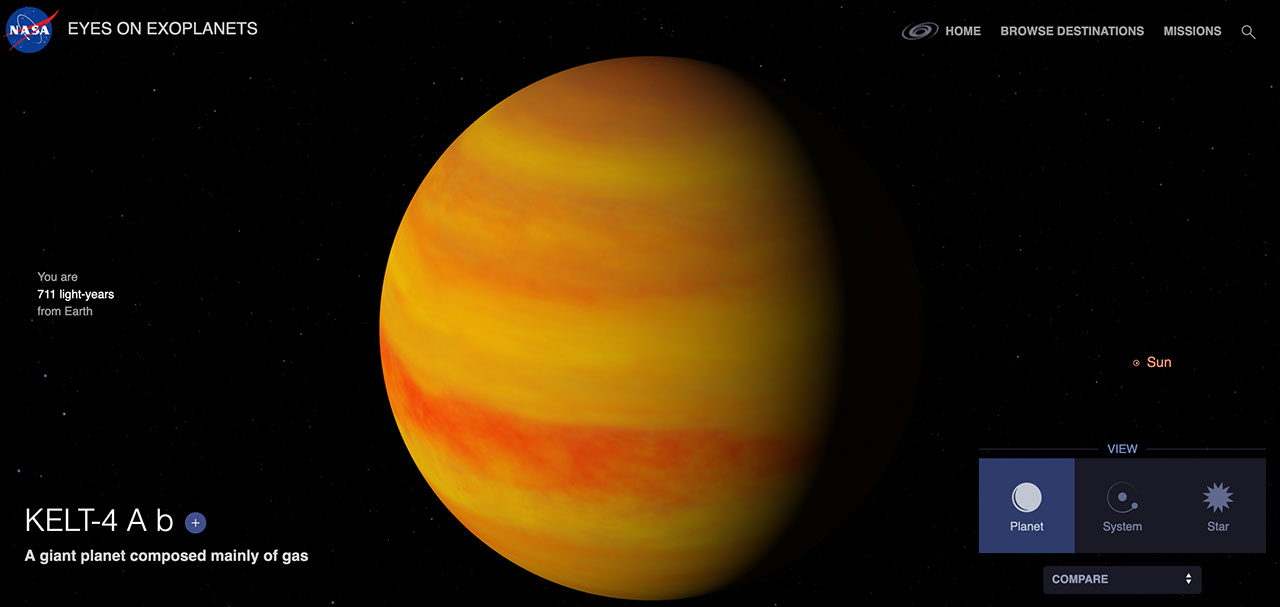
Choose a star or exoplanet and see an artist’s concept of what it might look like. Spin it around to see its sun and planetary system. Learn how long a trip there from Earth would take at light speed — or by jet plane, or family car!
Study the real versions of planets and stars cited in your favorite science fiction. See which planets reside in habitable zones, where liquid water could exist on their surfaces. Or, search “Where We Explore,” stars that future space telescopes will target when looking for Earth-like planets. You can also choose your location on Earth and see what’s in the sky above you right now.
Select any of the stars shown to see how many planets have already been found there. Examine how those star systems compare to the layout of our solar system, or check the sizes of individual planets — are they as small as Earth, or as big as Jupiter?
See all the different techniques we’ve used to confirm the 6,000+ exoplanets discovered so far — among the billions we believe exist in the galaxy — and the many observatories, on Earth and in space, that have detected them. You can also browse some of our favorite weird worlds, or destinations featured in our Exoplanet Travel Bureau.
Where will you explore?
Transcript
Welcome to NASA’s Eyes on Exoplanets. With this interactive tool, you can explore all of the stars beyond the Sun where we’ve discovered planets known as exoplanets. When you enter the site, the default is this view from space. You can start your exploration here. Or if you know of a specific star or exoplanet you want to visit, enter that in the search bar at upper right.
You can also select View from Earth. Choose your location and see what’s in the sky above you right now. Click and drag to explore different parts of the sky. In the lower right corner, you can choose different display options. You can see the constellations, view only stars that are visible to the naked eye, or see the stars that are good places for future telescopes to search for planets like Earth.
These future target stars are shown as filled-in circles. If you click the gear symbol and switch from the star symbol to the circled number, you will see how many exoplanets have already been found around the star shown.
When you select a star, you have three different view options. Starting in System View, you will see the star and where planets are located around it. The shaded green area marks the habitable zone, the region around a star where a planet could have liquid water on the surface, a key to the search for life beyond Earth. You can also see how this system compares to our solar system by selecting that feature in the lower right. The star view will show a hypothetical view of what the star might look like.
Click “Learn More” to see basic information about the star, including its history and pop-culture references. You can see how it compares to our Sun and solar system and what we found so far. Under “How to Detect a Planet in the System,” you can learn about the different ways to discover an exoplanet and see how many planets have been found with each technique, as well as the prospects for discovering more. Finally, the planet view allows you to explore each planet in the system.
For each confirmed exoplanet, you’ll see an artist’s concept of what it might look like and see how it compares to other planets. Planets also have an option to learn more, where you can see how far away it is, how long it would take to get there, how it was discovered, and which observatory found it.
To see other discoveries made by that observatory, click “Browse Destinations” in the upper right menu. There you can also find curated lists of featured discoveries and truly weird worlds.
As you can see, there are so many worlds to discover. Where will you explore?
Keep Exploring