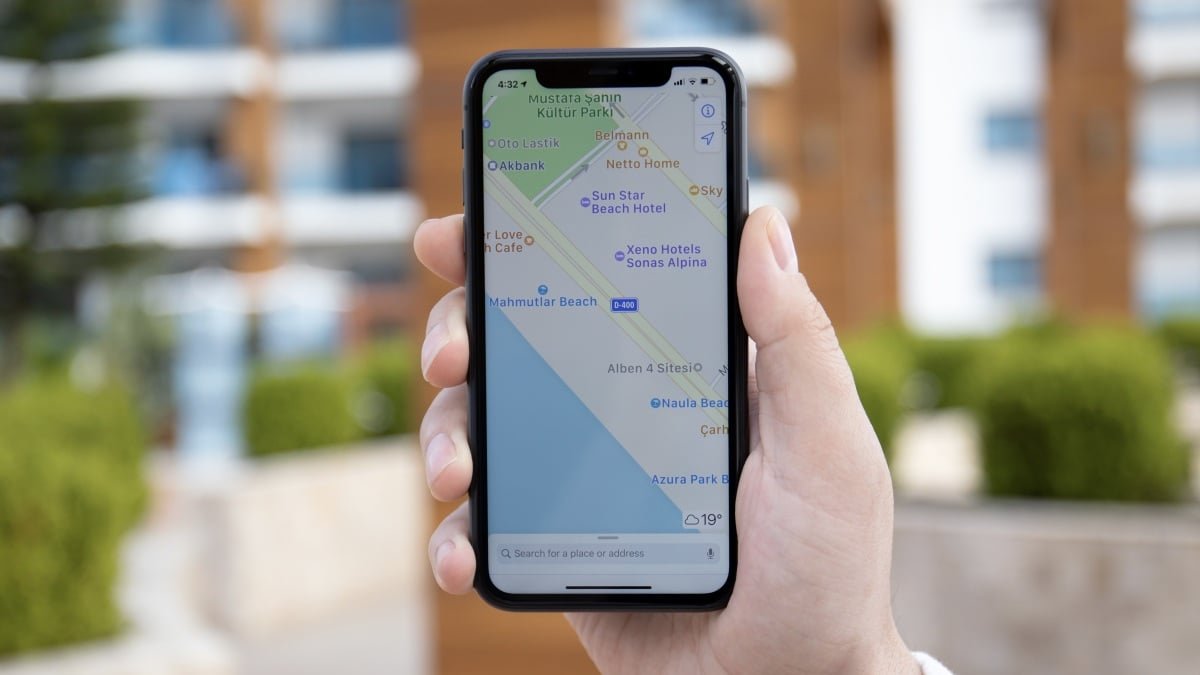

This week, Apple Maps officially launched ads in search. It’s not necessarily a surprise, mind you: We learned back in October that Apple planned to roll out ads at some point. But it’s still a bit jarring to see Apple actually commit to the plan. Now, most of the mainstream navigation apps come with ads, which makes getting around without dealing with ads difficult—but not impossible.
How Apple Maps’ ads work
Once ads hit your app, you’ll start seeing them when you search for new destinations. That includes both in the new “Suggested Places” section, as well as within search results as well. Like other platforms that float sponsored items to the top of search results, you’ll likely want to be a bit more scrupulous, since the top pick might not actually be the most relevant to your query.
What’s more, there’s no way to actually disable these ads. There are ad blockers for iPhone, but they’re limited, and won’t block Apple’s own ads. As such, it just doesn’t feel very “Apple” to deal with ads on the company’s own navigation app—especially if you’re already giving Apple money every month. While Apple Maps doesn’t have a paid subscription, Apple offers plenty of services at a cost. As YouTuber Quinn Nelson notes, some users are paying $50 per month for Apple One, and still having to deal with ads on Apple Maps. Of course, it’s the same story for Google Maps: Google’s famous navigation app also has mandatory ads, whether you subscribe to one of Google’s services or not. In Apple’s view, its approach is better than competitors like Google, as the company is adamant its ads preserve your privacy. But even if that’s the case, I’m not sure it’s going to sell users on the new approach.
‘Organic Maps’ is an ad-free alternative to Apple Maps and Google Maps
It’s tough to find a good navigation alternative to Apple Maps or Google Maps. That includes Waze, which is also owned by Google and also has ads. However, there is one solid—albeit rather underground—choice for anyone whose top priority is a lack of ads.
What do you think so far?
Organic Maps is a free and open-source app that prioritizes privacy for navigation. According to the developer, the app works entirely offline, and does not track people as they use it. (How refreshing.) As such, you could download your maps, disable cellular services, and still have the ability to navigate—of course, you can use it while connected, as well. The app supports a number of features that you’ll find on other more mainstream platforms, including cycling and hiking routes, turn-by-turn directions, public transit maps, and dark mode.
Organic Maps uses OpenStreetMap to provide its navigation data. While the benefit of OpenStreetMap is that it’s also open-source, so users all over the globe can add their own data points, it likely isn’t as robust as Apple’s map data, not to mention Google’s decades of data. Still, users have generally positive reviews on the iOS App Store, suggesting that OpenStreetMap’s data offers an adequate alternative to Apple Maps. Now, if you’re used to scrolling through restaurant reviews or checking out Street View, you’ll miss that here. While Organic Maps does have a search function, it’s lacking compared to other platforms. This is definitely a navigation-first app, rather than a full Apple Maps or Google Maps replacement. Still, if you’re looking for an ad-free alternative, there are few better options out there at this time.