
We may earn a commission from links on this page.
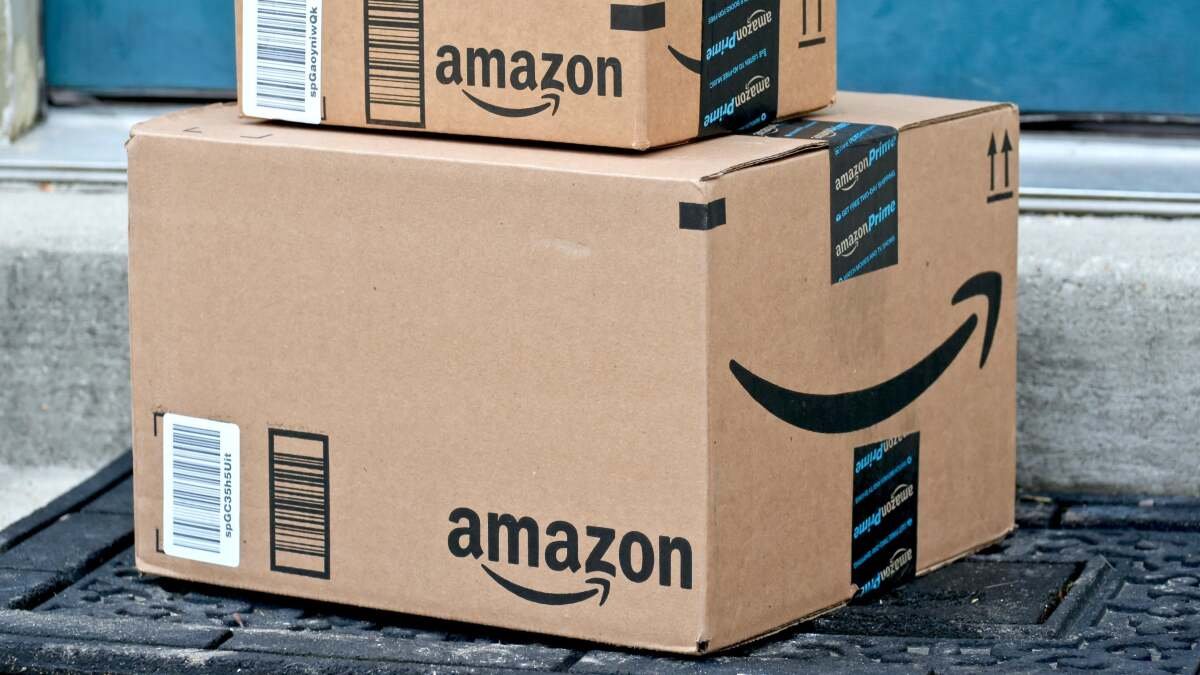
One of Amazon’s biggest sales of the year, Prime Day, is set to start June 23, but many early deals are already rolling in, as they have in the past. To take advantage of everything the sale has to offer, you’re going to need to be a Prime Member. If you sign up for an Amazon Prime account to take advantage of Prime Day but decide you don’t want to pay for an ongoing membership, you’ll need to cancel your subscription before the end of your free trial.
How to cancel your Amazon Prime membership
You can cancel your Prime subscription via browser by first logging into your Amazon account. Amazon has a Cancel Your Prime Membership button on its support page to launch the process, or you can follow the steps detailed on Amazon’s page:
-
Head to Amazon.com in your web browser.
-
Hover over the Accounts & Lists menu on the top-right of the window, then select the Prime Membership option.
-
Click the Help tab.
-
Then tap the End Your Amazon Prime Membership button and finally click the Cancel Your Prime Membership orange button.
-
Follow the on-screen instructions to proceed to canceling your Prime subscription.
Note that Amazon requires a bunch of clicks to finalize your cancellation, giving you lots of “opportunities” to change your mind.
How to cancel Amazon Prime via mobile app
-
Open the Amazon Shopping app on your mobile device.
-
Click the three horizontal lines on the bottom right.
-
Under Shop by Category, select Prime.
-
On the top bar, slide all the way to the end and select Help.
-
Then tap the End Your Amazon Prime Membership button and finally click the Cancel Your Prime Membership orange button.
-
Follow the on-screen instructions to proceed to canceling your Prime subscription.
What to know when canceling your Prime membership
As mentioned, closing your account will immediately end your access. Amazon also offers you the option to pause your benefits and billing temporarily instead of canceling them completely. Either way, your Amazon account is still active—you simply won’t have Prime benefits.
What do you think so far?
Finally, if you have other subscriptions connected to your Prime account, those will end when your billing is up. And if you signed up for Prime through the Android mobile shopping app or the Prime Video Android app, you’ll have to go through Google Subscription to manage your membership.
Deals are selected by our commerce team